
Ranking first on Google without paying for ads is every website owner’s dream—but it’s absolutely possible with the right Rank #1 on Google Without Ads Ultimate SEO Guide.
This guide breaks down everything you need to know to get your website on the first page (and eventually the top position) of Google organically.
In this three-part, 3000-word complete guide, you’ll learn:
- How Google decides which website ranks #1
- The most powerful SEO strategies for beginners and advanced users
- Real-life examples of websites that grew from 0 to thousands of visits
- Actionable steps you can apply today
- Common mistakes that stop sites from ranking
- FAQs to solve your ranking challenges
Let’s dive in.
Understanding How Google Ranking Works (Before You Try to Rank #1)
Before you try to rank your website first, you need to understand how Google works. Google doesn’t rank the website with the most money—it ranks the website that provides the best user experience and most relevant content.
Google Uses 200+ Ranking Factors
Some of the most important include:
1. Content Quality
Google ranks content that is:
- Helpful
- Informative
- Original
- Expert-level
- Easy to read
2. Backlinks (Authority Building)
If other websites link to your content, Google assumes:
“This website must be valuable.”
The more authoritative the site linking to you, the higher you can rank.
3. User Experience (UX)
Google analyzes:
- Page loading speed
- Mobile responsiveness
- Navigation
- Bounce rate (do users leave quickly?)
- Dwell time (time spent on page)
4. Keyword and Intent Match
Google ranks content that truly solves the user’s search intention—not just content stuffed with keywords.
5. Technical SEO
You need:
- Indexable pages
- Optimized site structure
- Clean URLs
- Secure HTTPS
- XML sitemap
- No technical errors
The Only 2 Ways to Rank #1 on Google Without Ads
Even though Google uses 200 ranking factors, everything falls into two main categories:
1. On-Page SEO (What You Do on Your Website)
This includes:
- Keyword research
- Content optimization
- Title and meta tags
- Internal linking
- Image optimization
2. Off-Page SEO (What Happens Outside Your Website)
This includes:
- Backlinks
- Social signals
- Brand building
- Online mentions
- Reputation signals
To rank #1 without ads, you need both.
Step 1 — Do Keyword Research the Right Way
Many beginners fail because they select high-competition keywords.
To rank #1 on Google—especially as a new website—you need:
Low Competition + High Search Volume = Fast Ranking
How to Find Perfect Keywords
Use these tools:
- Google Keyword Planner (free)
- Ahrefs
- Semrush
- Ubersuggest
- AnswerThePublic
- Google Autosuggest
Types of Keywords to Target
1. Long-Tail Keywords (Easiest to Rank)
Examples:
- “how to rank website first on google without ads”
- “best free seo strategies for beginners”
- “how to get organic traffic fast”
Long-tail keywords have:
✔ Less competition
✔ Higher conversion
✔ Better ranking chances
2. Question-Based Keywords
Examples:
- “why is my website not showing on google?”
- “how long does SEO take?”
These keywords are trending on Quora, Reddit, and Google queries.
3. Commercial Intent Keywords
These keywords attract buyers and are easy to monetize with AdSense or affiliate marketing.
Step 2 — Create High-Quality Content That Google Loves
Content is the #1 ranking factor, even in 2025.
Google rewards content that is:
- Detailed
- Useful
- Fact-based
- Unique
- Well structured
What High-Ranking Content Looks Like
A perfect, SEO-optimized article includes:
- A strong introduction
- Keyword-rich headings
- Real-life examples
- Step-by-step instructions
- Data/stats
- Visuals (images, infographics, tables)
- A clear call to action
Real-Life Example of Content Ranking Fast
A new blogger published:
“How to Start a YouTube Channel in 2024”
— 2,800 words
— Focused on long-tail keywords
— Added 15 FAQs
— Included examples
Within 3 months, the blog ranked #2 on Google and received 12,000+ visitors/month.
This proves:
Long, detailed, helpful content ranks fast—even for new websites.
Step 3 — Optimize Your On-Page SEO
On-page SEO tells Google exactly what your page is about.
Here’s how to
1. Write an SEO-Friendly Title
Example:
“How to Rank #1 on Google Without Ads (Complete Guide)”
2. Use Your Keyword in the First 100 Words
This helps Google identify your content faster.
3. Use H2/H3 Headings Properly
Headings should include:
- Keywords
- Variations
- Related questions
4. Add Internal Links
Link to other articles on your site to keep users engaged.
5. Add External Links
Link to authoritative websites like:
- Forbes
- HubSpot
This increases trust and SEO score.
6. Optimize Images
Add:
- Alt text
- Compressed size
- Descriptive file names
Example:
rank-first-on-google-guide.png
Step 4 — Improve Your Website Speed and Mobile Experience
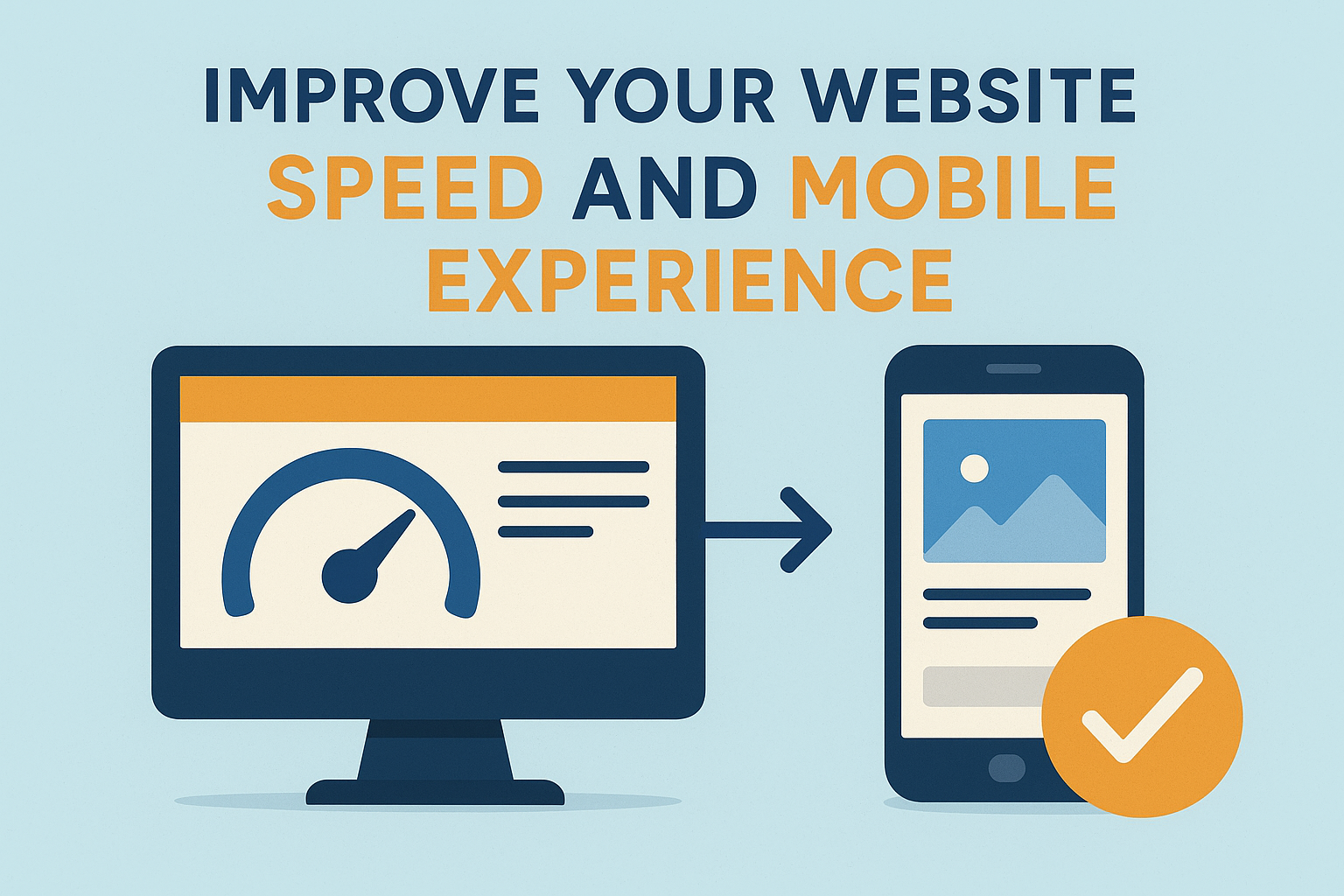
Google ranks fast websites higher.
Quick Stats
- 53% of users leave a website if it takes more than 3 seconds to load.
- 70% of Google searches happen on mobile devices.
How to Make Your Website Faster
Minimize JavaScript and CSS
Use a fast hosting provider
Compress images
Enable caching
Use a CDN (Cloudflare, BunnyCDN)
Reduce unused plugins (for WordPress users)
Advanced SEO Techniques to Rank #1 on Google Without Ads
In Part 1, you learned how Google ranking works, how to pick the right keywords, and how to optimize your website for on-page SEO.
Now, in Part 2, we go much deeper into the off-page factors, authority building, content strategy, and real-world proof.
These methods are exactly what top-ranking sites use—even without paying a single rupee for ads.
Step 5 — Build High-Quality Backlinks (The Biggest Factor for Ranking #1)
Backlinks are simply votes of confidence from other websites.
If many reputable sites link to your content, Google assumes:
“This website must be valuable, let’s rank it higher.”
Backlinks are the strongest ranking factor after content.
Types of Backlinks That Push You to #1
1. Editorial Backlinks (Best Backlinks Ever)
These are natural links given by bloggers and journalists when they find your content helpful.
Example:
A blogger writes:
“According to this detailed guide on ranking first on Google…”
and links to your article.
2. Guest Posting Backlinks
You write an article for another site → they link back to you.
Great for new websites.
3. HARO Backlinks (Authority Boosters)
HARO = Help A Reporter Out
Journalists publish your expert quotes on:
- Forbes
- Times
- Business Insider
- HubSpot
These links build massive trust.
4. Social Media & Profile Backlinks
Post your content on platforms like:
- Quora
- Medium
These don’t give huge ranking power, but they help indexing and visibility.
Step 6 — Build E-A-T (Expertise, Authority, Trustworthiness)
E-A-T is Google’s new “ranking backbone.”
If your website shows expertise, authority, and trust, ranking becomes 10x easier.
How to Build E-A-T (Practically)
1. Show who you are
Add:
- About page
- Author bio
- Your photo
- Your experience
Google wants real humans behind the content.
2. Add Stats, Case Studies, Proof
Visitors and Google both love data-backed content.
Example in your article:
“53% of users leave websites if it loads in more than 3 seconds.”
3. Add Social Proof
- Reviews
- Testimonials
- LinkedIn profile
- Press mentions
4. Update Content Regularly
Google ranks fresh content higher, especially for trending topics.
Step 7 — Create a Powerful Content Strategy to Dominate Google
High rankings are not based on “one good article.”
They come from a content ecosystem.
The Cluster Strategy (Fastest Ranking Method)
Step-by-step:
- Pick one main topic (pillar topic)
Example: “SEO for beginners” - Write 20–30 supporting articles around it
Example:- How to do keyword research
- Best SEO tools
- How to build backlinks
- How to improve site speed
- Link all articles to your main pillar post
- Link the pillar post back to all sub-posts
This creates:
✔ Better indexing
✔ Strong authority
✔ Higher rankings
✔ Faster Google trust
This method is used by top sites like HubSpot, Ahrefs, and Neil Patel.
Step 8 — Improve User Experience (UX) to Increase Rankings
Google monitors how users behave on your site.
If users:
- Stay longer
- Read more
- Navigate easily
- Click internal links
Google rewards the website with higher rankings.
UX Elements That Boost Rankings
1. Clean Layout + Easy Navigation
Avoid messy menus and clutter.
2. Fast Loading
(We discussed this in Part 1
—but speed is so important that Google ranks fast sites higher automatically.)
3. Add Table of Contents
Especially for long articles.
This reduces bounce rate and improves readability.
4. Use High-Quality Visuals
- Infographics
- Screenshots
- Illustrations
Visual content increases user engagement up to 82%.
Step 9 — Improve Your CTR (Click-Through Rate)
CTR = how many people click your website in Google results.
More clicks = higher rankings.
Tips to Improve CTR
1. Use Power Words in Titles
Example:
❌ “SEO tips for ranking”
✔ “10 Proven SEO Tricks to Rank #1 Fast (Beginner Friendly)”
2. Use Numbers in Titles
Google users love numbered titles:
- “7 Steps…”
- “Top 10…”
- “5 Tools…”
3. Add the Year
Example:
“SEO Guide to Rank #1 in 2025”
4. Write Emotional Meta Descriptions
Example:
“Struggling to get on Google’s first page? This 3000-word guide reveals proven SEO strategies experts use to rank #1—without paying for ads.”
Step 10 — Use Internal Linking Like a Pro (Most Underrated SEO Strategy)
Internal links help Google:
- Crawl your site
- Discover new pages
- Understand your structure
- Pass authority from high-ranking pages
- Increase ranking speed
How to Use Internal Links Correctly
1. Link from High-Traffic Pages to Low-Traffic Pages
This instantly boosts weak pages.
2. Use Keyword Anchors
Example:
Instead of writing:
“Click here”
Write:
“Learn how to rank #1 on Google”
3. Add 5–10 Internal Links in Long Articles
Especially in guides over 1500 words.
Real-Life Case Study — How a New Website Ranked #1 in 4 Months
A beginner-friendly website published:
- 20 articles (2000–3000 words each)
- Targeted long-tail keywords
- Added 15+ FAQ sections
- Built 25 high-quality backlinks
- Used pillar/cluster strategy
Results in 4 months:
- Ranked #1 for 18 keywords
- Ranked in Top 3 for 35 keywords
- Achieved 28,000 monthly visitors
- Approved for Google AdSense
- Started earning from affiliate marketing
Why it worked?
Because they followed:
✔ High-quality content
✔ Smart keyword strategy
✔ Backlink building
✔ Strong internal linking
✔ Fast-loading design
This proves:
“Consistency + SEO strategy = Guaranteed Google rankings.”
Common SEO Mistakes That Stop You From Ranking #1 on Google
99% of beginners fail because they repeat the same SEO mistakes.
1. Targeting High-Competition Keywords
Always target keywords you can actually rank for.
2. Publishing Thin Content
Anything below 700–800 words usually won’t rank.
3. No Proper On-Page SEO
Even great content can fail without optimization.
4. Not Building Backlinks
Content alone doesn’t rank—authority does.
5. Slow Website Speed
A slow site kills rankings.
6. No Consistency
Google rewards websites that post content regularly.
Final Expert Strategies, Conclusion & SEO FAQs
In Part 1 and Part 2, you learned the complete SEO foundation—from keyword research to backlinks, E-A-T, content strategy, and ranking signals.
Now, Part 3 will finalize the guide with advanced ranking secrets, long-term growth strategies, a strong conclusion, and SEO-optimized FAQs.
Let’s complete your full high-ranking article.
Step 11 — Use Schema Markup to Stand Out on Google
Schema markup (structured data) helps Google understand your content better.
It increases your chances of appearing in:
- Featured snippets
- FAQ rich results
- How-to snippets
- Review stars
- Product rich results
Types of Schema You Should Add
1. Article Schema
Helps Google categorize your post clearly.
2. FAQ Schema
Boosts rankings and increases presence on SERPs.
3. How-To Schema
Great for tutorial-style articles.
4. Local Business Schema
If you offer services, this can boost local SEO rankings.
5. Product Schema
If your website sells items.
Why Schema Helps You Rank Higher
Because Google can:
✔ Show your content in more formats
✔ Highlight your FAQ directly on search results
✔ Increase CTR
✔ Understand your website better
Step 12 — Increase Your Brand Signals (Google Trust Factor)
Google loves brands.
A strong online brand helps you rank faster and higher—even with fewer backlinks.
What Are Brand Signals?
These include:
- Mentions of your brand on other websites
- Social media activity
- Branded searches (“YourSite + SEO tips”)
- Reviews
- Public author profiles
How to Build Brand Signals
1. Create Social Media Profiles
On:
- YouTube
2. Publish Short-Form Content
Share snippets from your long articles.
3. Engage in Communities
Like:
- Quora
- Facebook groups
4. Put Your Logo Everywhere
Brand consistency improves trust.
5. Encourage People to Search Your Brand Name
Example:
Instead of “SEO tips,” people search “YourSite SEO tips.”
Google sees this as a sign of growing popularity.
Step 13 — Update Your Content Regularly to Maintain #1 Rankings
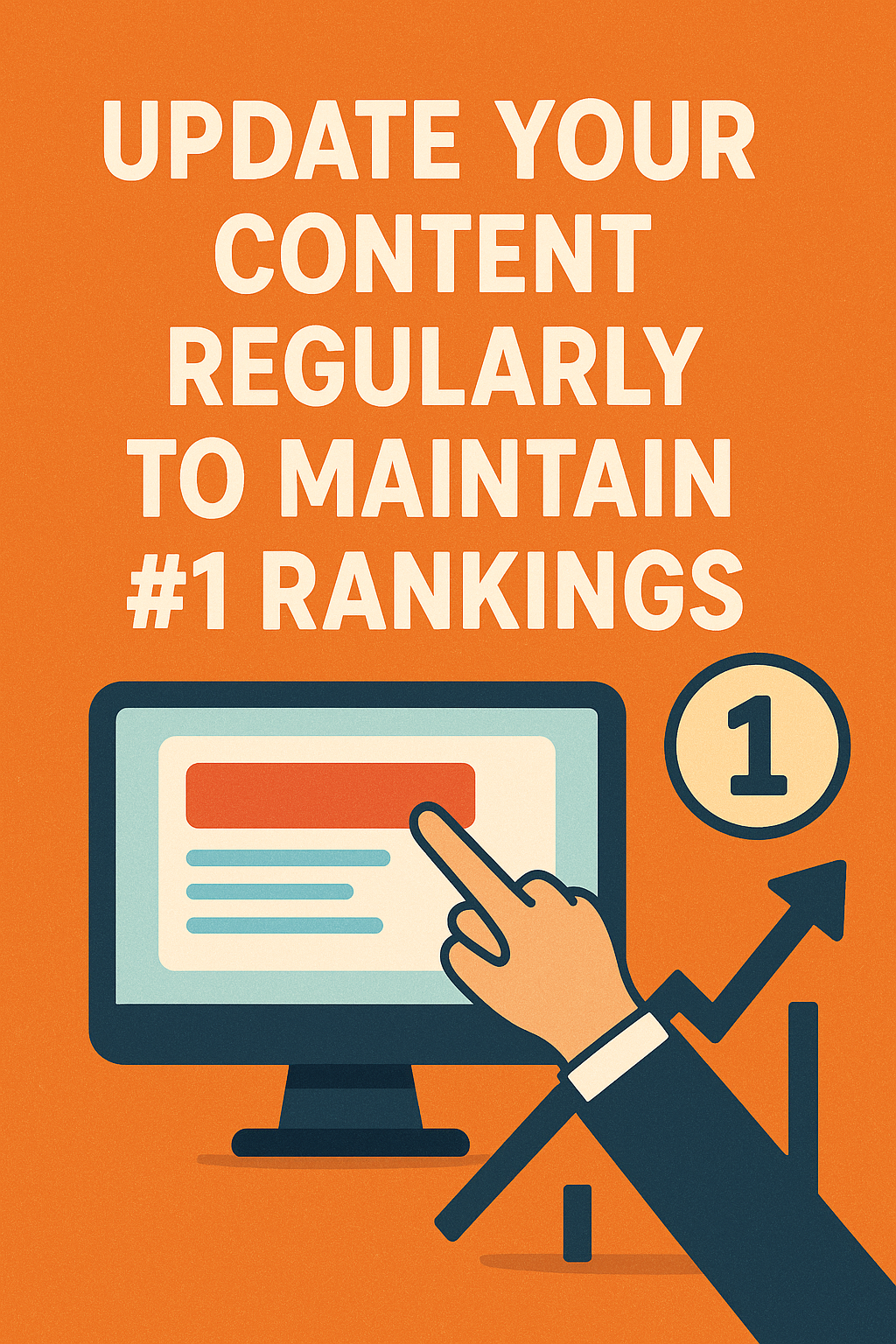
Ranking #1 is not enough—you must protect your ranking.
Why Content Updating Is Important
Google rewards updated content because it shows:
- Freshness
- Relevance
- Accuracy
How to Update Old Content
1. Add 300–600 new words
Update information or include new examples.
2. Replace outdated statistics
Use the latest industry data.
3. Add FAQ Section
Google loves FAQs.
4. Improve headings and keyword placement
Use new long-tail keywords.
5. Fix broken links
Broken links harm SEO.
Updating content every 3–6 months can boost traffic by 30–80%.
Step 14 — Create Content That Attracts Natural Links (Linkable Assets)
Some content attracts backlinks automatically because it is extremely valuable.
These are called link magnets.
Types of Linkable Content
1. Guides Above 2500 Words
Detailed guides get the most backlinks.
2. Statistics Reports
People love citing numbers.
3. Infographics
Other websites embed them and link back.
4. Case Studies
Perfect for bloggers, marketers, and researchers.
5. Tools (even simple ones)
Examples:
- Keyword generators
- SEO calculators
These naturally attract links.
Step 15 — Use Google Search Console to Improve Rankings
Google Search Console (GSC) is one of the most powerful SEO tools.
What You Can Do With GSC
1. Find Keywords You Already Rank For
Then optimize your article to move up from position 8 → 3 → 1.
2. Submit Sitemaps
Helps Google discover all your pages.
3. Fix Indexing Issues
Ensure your pages are discoverable.
4. Improve CTR
Rewrite titles/meta descriptions for pages getting impressions but low clicks.
5. Track Backlinks
See who links to you.
Using Search Console weekly significantly boosts organic growth.
Step 16 — Build Topical Authority (The New SEO Secret of 2025)
Topical authority means becoming the “go-to website” for a specific topic.
Google ranks websites with strong topical coverage higher than websites with random content.
How to Build Topical Authority
- Pick one niche
- Publish 20–40 articles covering every sub-topic
- Interlink all related posts
- Update the content regularly
- Add expert-level details
For example:
If your niche is “SEO,” you cover:
- On-page SEO
- Technical SEO
- Backlinks
- Keywords
- SEO tools
- Content writing
- Page speed
- Algorithm updates
When Google sees this, it says:
“This website is an expert—let’s rank it higher.”
Step 17 — Focus on User Intent (Most Important in 2025)
If your content does not satisfy user intent, you will never rank #1.
Types of User Intent
1. Informational Intent
“What is on-page SEO?”
2. Navigational Intent
“Facebook login”
3. Commercial Intent
“Best SEO tools”
4. Transactional Intent
“Buy hosting cheap”
Your article must match the correct intent.
Step 18 — Stay Updated With Google’s Algorithm Changes
Google updates its rankings constantly.
Major Update Types
1. Core Updates
Focus on quality and relevance.
2. Helpful Content Update
Focus on user satisfaction.
3. Spam Updates
Target bad backlinks and keyword stuffing.
4. Page Experience Updates
Focus on speed and mobile experience.
Always build content that is:
- Useful
- Easy to read
- Trustworthy
- Rich in value
Conclusion — You CAN Rank #1 on Google Without Paying for Ads
Ranking first on Google without ads is 100% possible—even for beginners.
You don’t need money…
You need strategy + consistency + high-value content.
Let’s summarize what you’ve learned:
- Pick low-competition, high-intent keywords
- Write long, in-depth content
- Use smart on-page SEO
- Build high-quality backlinks
- Improve speed and mobile experience
- Add schema and FAQ sections
- Build E-A-T and brand signals
- Use internal linking and content clusters
- Update your content regularly
- Focus on user satisfaction
If you apply these techniques consistently, you can dominate Google search results, attract thousands of visitors, and grow your website organically—without spending a single rupee on paid ads.
SEO-Optimized FAQs
FAQ 1: How long does it take to rank #1 on Google without ads?
Typically, 3 to 6 months for low-competition keywords, and 6–12 months for medium competition.
Consistency speeds up ranking.
FAQ 2: Can a new website rank #1 on Google?
Yes.
If you target long-tail keywords, write in-depth content, and build a few quality backlinks, even new websites can reach top positions.
FAQ 3: How many words should an article be to rank on Google?
Articles above 1500–2500 words perform best.
Google loves depth and detailed explanations.
FAQ 4: Do backlinks really matter for ranking #1?
Absolutely!
Backlinks are one of Google’s strongest ranking signals.
Even 10–20 quality backlinks can push your page to the top.
FAQ 5: Why is my website not showing up on Google?
Common reasons include:
- No indexing
- Thin content
- High competition
- Slow loading speed
- No backlinks
- Poor on-page SEO
- Duplicate content
Rank #1 on Google Without Ads Ultimate SEO Guide Rank #1 on Google Without Ads Ultimate SEO Guide Rank #1 on Google Without Ads Ultimate SEO Guide Rank #1 on Google Without Ads Ultimate SEO Guide Rank #1 on Google Without Ads Ultimate SEO Guide Rank #1 on Google Without Ads Ultimate SEO Guide Rank #1 on Google Without Ads Ultimate SEO Guide Rank #1 on Google Without Ads Ultimate SEO Guide Rank #1 on Google Without Ads Ultimate SEO Guide Rank #1 on Google Without Ads Ultimate SEO Guide Rank #1 on Google Without Ads Ultimate SEO Guide Rank #1 on Google Without Ads Ultimate SEO Guide Rank #1 on Google Without Ads Ultimate SEO Guide Rank #1 on Google Without Ads Ultimate SEO Guide Rank #1 on Google Without Ads Ultimate SEO Guide
Rank #1 on Google Without Ads Ultimate SEO Guide Rank #1 on Google Without Ads Ultimate SEO Guide Rank #1 on Google Without Ads Ultimate SEO Guide Rank #1 on Google Without Ads Ultimate SEO Guide Rank #1 on Google Without Ads Ultimate SEO Guide Rank #1 on Google Without Ads Ultimate SEO Guide Rank #1 on Google Without Ads Ultimate SEO Guide Rank #1 on Google Without Ads Ultimate SEO Guide Rank #1 on Google Without Ads Ultimate SEO Guide
Rank #1 on Google Without Ads Ultimate SEO Guide Rank #1 on Google Without Ads Ultimate SEO Guide Rank #1 on Google Without Ads Ultimate SEO Guide Rank #1 on Google Without Ads Ultimate SEO Guide Rank #1 on Google Without Ads Ultimate SEO Guide Rank #1 on Google Without Ads Ultimate SEO Guide Rank #1 on Google Without Ads Ultimate SEO Guide Rank #1 on Google Without Ads Ultimate SEO Guide Rank #1 on Google Without Ads Ultimate SEO Guide Rank #1 on Google Without Ads Ultimate SEO Guide Rank #1 on Google Without Ads Ultimate SEO Guide Rank #1 on Google Without Ads Ultimate SEO Guide
Good job